


My Outlook Events for SharePoint
Create, customize, and automate SharePoint Online forms without writing a single line of code. Streamline your workflows with multi-level approvals, conditional logic, and intelligent notifications.
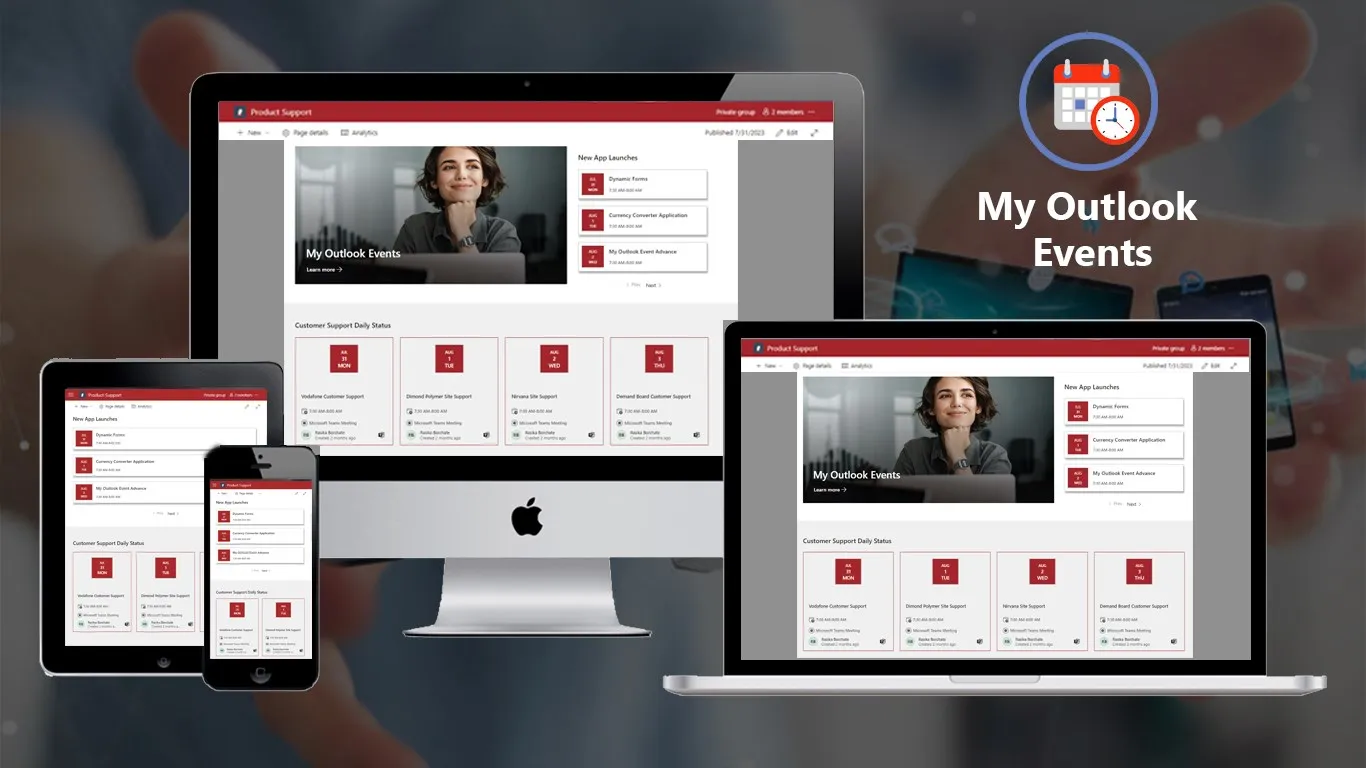
Stay On Top of Your Schedule Without Switching Apps
No-Code Integration
Seamlessly connect your Outlook calendar to SharePoint without any technical setup. Automatic synchronization ensures your events are always up-to-date.
Complete Meeting Details
See everything at a glance: meeting duration, organizer name, attendees, location, and description. No more switching between apps.
Flexible Time Views
Choose your preferred view: All Upcoming Events, This Week, This Month, or This Quarter. Filter what matters most to your workflow.
One-Click Join
Direct join links for Teams, Zoom, or any meeting platform. Launch meetings instantly from your SharePoint page without searching for links.
How to Get Started
3-Step Process
Step 1
Add to SharePoint Install My Outlook Events from Microsoft AppSource. Add the web part to any SharePoint page in seconds.
Step 2
Configure Your View Choose your custom heading, select time interval preference, and adjust display settings. No technical knowledge required.
Step 3
Stay Organized Your calendar events appear automatically. Click any event to view details or join meetings directly. Never miss another important call.

Compliance
Compliance Certifications
- SOC 2 Type II Certified
- GDPR Compliant
- ISO 27001 Certified
- Microsoft Partner
READY TO GET STARTED?
Start with a free trial of our applications or discuss building a custom solution for your unique needs
Security
Security Features
- Data Sovereignty: Your data stays in your Microsoft 365 tenant
- Encryption: 256-bit encryption at rest and in transit
- Authentication: Azure AD single sign-on
- Audit Trails: Complete logging of all actions
- Backup: Automatic daily backups included
- Access Control: Role-based permissions






01
Executive Dashboards
Display upcoming executive meetings on homepage dashboards. Leadership teams stay informed about critical meetings and deadlines.
Industry: Executive, Management
02
Team Coordination
Show shared team calendar events on department pages. Project teams align on deadlines, standups, and collaborative sessions.
Industry: Project Management, Operations
03
Meeting Room Displays
Display current and upcoming room bookings outside conference rooms. Facilities teams reduce scheduling conflicts and optimize space usage.
Industry: Facilities, Office Management
04
Personal Productivity
Embed your personal calendar view on your SharePoint homepage. Knowledge workers maintain focus with visible schedule reminders.
Industry: Individual Contributors, Remote Workers
Trusted by Leading Organizations Worldwide
Streamlined Our Operations!
“What truly sets this inventory system apart is the support team. They made the onboarding process smooth and are always
Increased Accuracy, Reduced Errors
“Our inventory needs have grown exponentially over the past year, and this system has scaled with us perfectly. The customizable
A Game-Changer for Small Businesses
“With centralized inventory data, our sales, procurement, and warehouse teams are now on the same page. The system’s user-friendly interface
Real-Time Insights Are Priceless
“The ability to view real-time stock levels and generate reports with a click has been a lifesaver. We can now
Improved Collaboration Across Teams
“As a small business owner, I was struggling to keep track of stock manually. This system is intuitive, affordable, and






Frequently Asked Questions
My Outlook Events works with SharePoint Online (Microsoft 365), SharePoint 2019, and SharePoint 2016. It connects to Outlook calendars through Exchange Online or Exchange Server.
Currently, My Outlook Events displays the logged-in user’s primary calendar. Each user sees their own events automatically. Shared calendar support is planned for future releases.
Yes! My Outlook Events displays all meeting types including Microsoft Teams, Zoom, Webex, and any other platform with join links in your calendar. One-click join works for all supported platforms.
The app requires read-only access to your Outlook calendar through Microsoft Graph API. It follows Azure AD authentication and respects all existing calendar permissions.
Yes! You can customize the heading, choose time intervals (All Upcoming, This Week, This Month, This Quarter), and adjust display density. Color and styling follow your SharePoint theme automatically.
My Outlook Events respects your calendar privacy settings. Events marked as “Private” in Outlook will show only as “Busy” without displaying details.
Calendar events sync automatically in near real-time. When you add, modify, or delete events in Outlook, changes appear in SharePoint within minutes.
Currently, filtering is available by time period. Additional filtering options (by category, organizer, or meeting type) are planned for future updates based on customer feedback.
Ready to Transform Your Calendar Experience?
Join hundreds of organizations that never miss important meetings with My Outlook Events.
- 14-day free trial - no credit card required
- Setup in 5 minutes - no IT required
- Works with your existing Microsoft 365